Enable
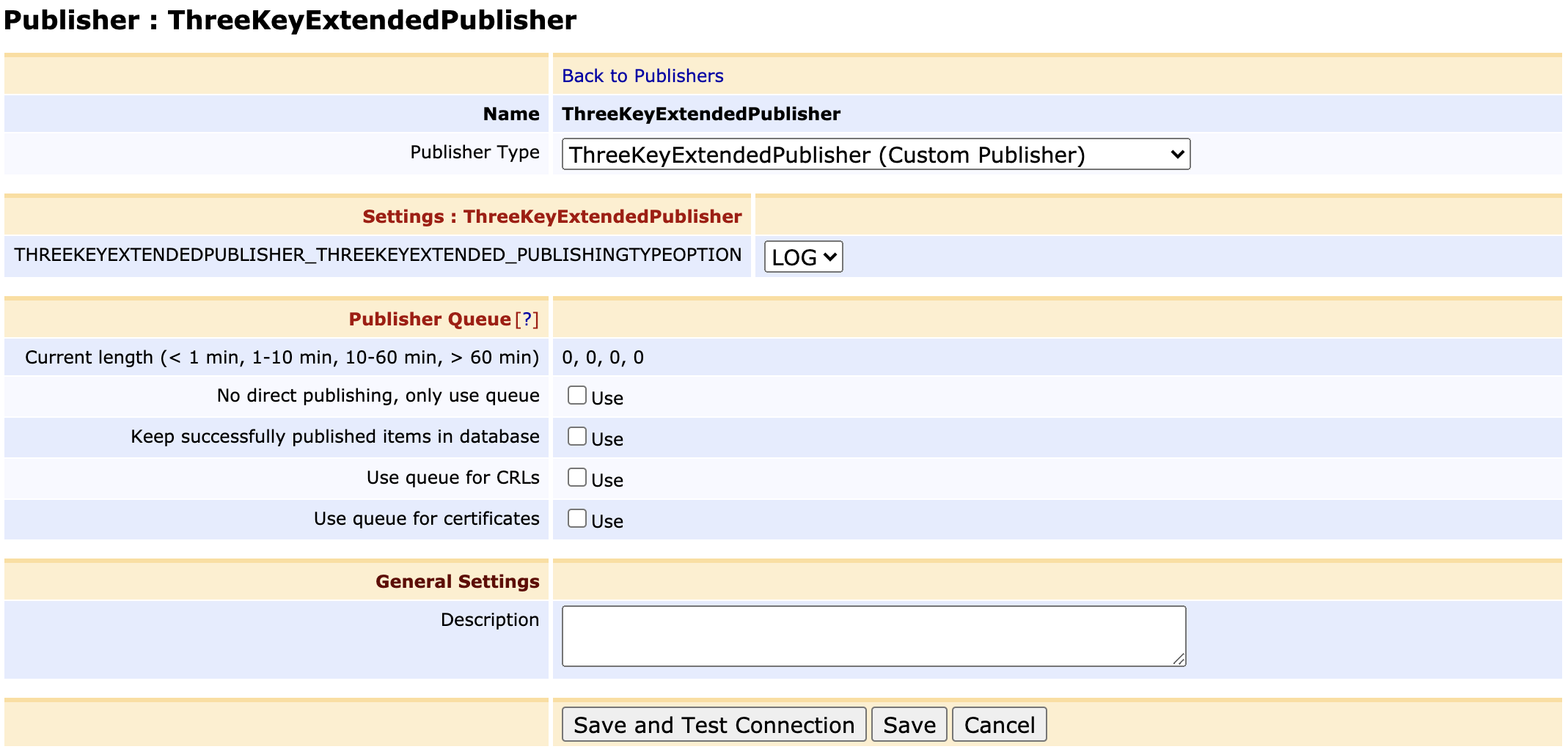
When ThreeKeyExtendedPublisher is successfully installed, you will need to enable it first. Use the following steps in order to enable ThreeKeyExtendedPublisher:
- Log in to the EJBCA Admin Web
- Click on the
Publishersin the left menu - Add new publisher. Name it as
ThreeKeyExtendedPublisherand click onAddbutton. TheThreeKeyExtendedPublishershould be create and you should see it now in theList of Publishers - Select the
ThreeKeyExtendedPublisherfrom theList of Publishersand click onEdit Publisherbutton - Select
Publisher TypeasThreeKeyExtendedPublisher (Custom Publisher) - Uncheck all options for the
Publisher Queue - Click on
Savebutton